Most folks making music wonder how much RAM they actually need. Your computer uses that memory to keep things moving in the DAW. When loads of virtual tools, big sound packs, or many effects are open at once - space matters more. Running short can slow everything down without warning.
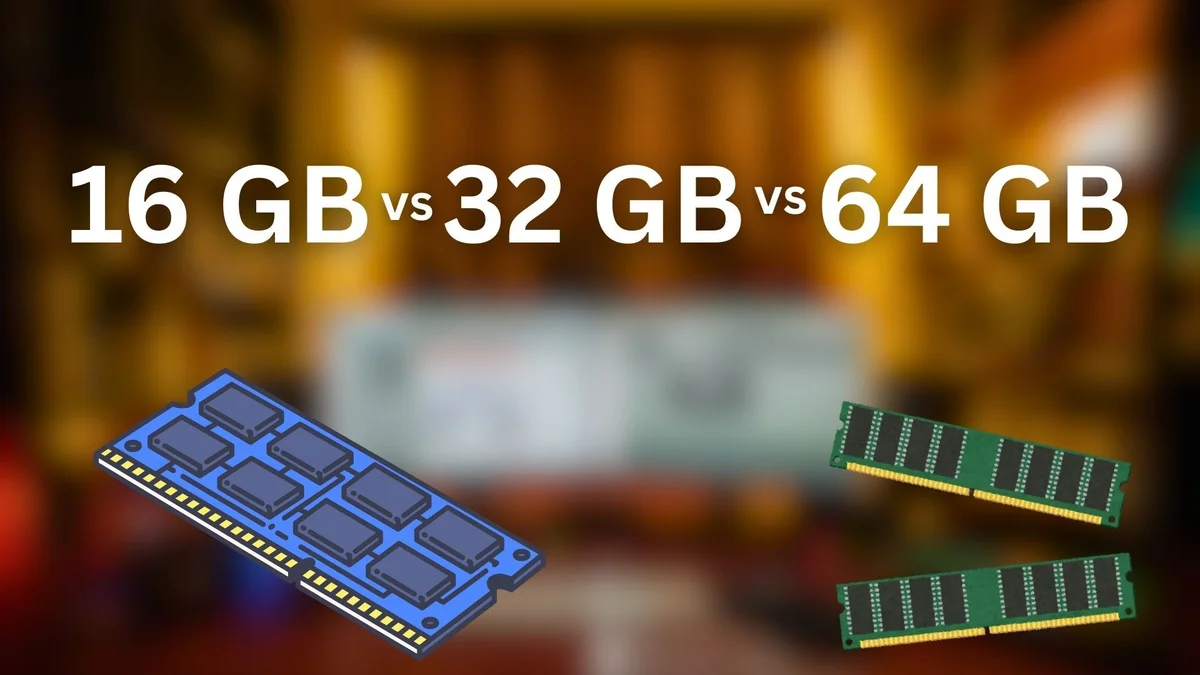
Picture this: choosing RAM like picking ingredients for a recipe - too little, everything slows down. Sixteen gigs might handle basic tracks, yet stumble on large sessions. Jump to thirty two, and smoother multitasking appears during mixing. Double that again, sixty four offers room to grow, especially with heavy virtual instruments. Each step changes how freely you work behind the scenes.
RAM Importance in Music Production
Your computer uses RAM as a temporary workspace where active projects live during editing. When running a DAW, this is where sounds and effects stay ready for instant use. Extra memory means handling larger sessions - stacking dozens of loops or synth layers becomes smoother. Running low? Things start to stutter or freeze unexpectedly. Having enough keeps everything moving, even with heavy setups.
When RAM is insufficient, your system may:
- Stutter or glitch during playback
- Freeze or crash your DAW
- Take your time when bringing in the tools
- Using disk space as memory slows things down
Finding the right amount of RAM stops slowdowns before they start. A steady pace in your tasks comes easier when memory fits what you do. Skipping hiccups in performance? That happens when capacity lines up with demand.
Why 8GB No Longer Meets Basic Needs
Back when computers were simpler, eight gigs of memory handled everyday jobs - say, tweaking audio tracks or recording voice clips. Today’s digital workspaces chew up that much just opening a few plug-ins. Running big sound libraries? That eats even more. Experts who test gear for making tunes now say sixteen is where you should start if you’re doing real projects.
Fewer folks realize how much power even simple audio software demands
- Inside Native Instruments Kontakt, plenty of samples gather together in memory
- Orchestral libraries can exceed multiple gigabytes per instrument
- Fresh software tools sometimes store information in memory ahead of time
Eight gigs might handle a DAW today, yet that setup won’t hold up under real pressure. Still, trying to rely on it feels like limping through tasks meant for stronger gear.
16GB RAM Enough for Most Music Production
✔ Best For:
- Home studios & beginners
- Lightweight projects
- Recording & editing a few tracks
- Moderate plug-in usage
Capabilities
16GB RAM enables multitasking with multiple apps running simultaneously
- Fine-tune your setup to handle top music software - like Ableton Live or Logic - with ease. Smoother performance comes when systems match the demands of FL Studio just as well as Pro Tools. Handling these programs feels natural on capable hardware
- Use a decent number of VSTs and effects
- Start small when handling music tasks. A handful of layers keeps things clear. Tackle one piece at a time instead of piling it all in. Fewer parts mean less clutter to manage. Balance matters more than quantity ever does
- Load reasonable-sized sample libraries
Fifteen gigabytes might surprise you - but sixteen is what most agencies now call the baseline for solid work in music creation. What counts? Real-world speed when tracks pile up. Some argue less works fine; yet stalls creep in once layers multiply. Picture a session slowing mid-edit - that hesitation shapes outcomes more than specs suggest. Sixteen gigs guard against that pause, letting ideas flow without hiccups. It isn’t magic - just margin built into today’s workflow.
Limitations
- Big collections of sounds, like entire orchestra recordings, can sometimes fill up your system's memory. When that happens, performance might slow down or stop altogether
- When there are too many tracks, or heavy plugins running, the system might start using disk space. That happens because memory gets full. Instead of stopping, it moves some data over. Performance dips when that occurs. What runs smoothly usually needs less shifting around. Heavy workloads often lead to these transfers. The more demanding the session, the likelier this becomes
- Your system might still pause or lag under heavier loads
Bottom line - sixteen gigabytes works well enough for beginners plus a bunch of mid-level tasks, though things get tight when dealing with large-scale work.
32GB RAM Ideal for Music Production
✔ Best For:
- Serious producers
- Projects with lots of virtual instruments
- High-track mixes and complex arrangements
- Playing music live using several digital instruments at once
Capabilities
32GB RAM provides ample memory for multitasking and running demanding applications smoothly
- A space exists for holding multiple sample-driven tools at once
- Flexibility with large instrument libraries and many effects
- Fewer reasons to lock tracks down right away. Stems can stay flexible longer. Sometimes waiting helps things breathe. Not rushing keeps options open. Moving slowly here means less fixing later
- Working with many tracks feels smoother inside music software now. A solid performance sticks around, even when things get crowded. Handling hundreds? It holds up without stumbling. Fewer crashes mean fewer interruptions. This kind of reliability shows in daily use. When systems stay steady, creativity stays flowing
Eight gigabytes won’t cut it once projects grow past a few tracks. Thirty-two gigs handles layered instruments plus effects stacks without slowing down. This amount balances price against performance better than higher-end setups. Some may outgrow it editing long sessions. Still, for many, that middle ground works just right.
Some creators on group forums point out how 32GB clearly boosts speed, lasting longer than 16GB down the line. Performance gains stand out - especially when tasks grow heavier over time.
Why 32GB Makes More Sense
Music production involves running:
- Your DAW itself
- Some add-ons along with digital tools
- Even when you are not using them, programs such as web browsers keep running. Audio tools often stay active behind the scenes too
- Packed into a single moment - here, 32GB lets everything move freely, never forced to crawl onto slower storage.
64GB RAM – For Demanding Tasks
✔ Best For:
- Professional studios
- Film/TV composers
- Orchestral sample templates
- Massive multisampled libraries
Capabilities
When you’ve got 64GB or higher capacity,
- Few shaky tools might handle massive blueprints without trouble
- Holding huge orchestral or cinematic collections means they remain loaded in memory
- Built for intense workloads, even the largest sessions run without hiccups. When numbers climb into the thousands, performance holds steady. Handling massive arrangements feels effortless. No stutters, no dropouts - just consistent playback. Systems stay responsive under heavy loads
- Frozen tracks become less of a concern when you save them later. Performance stays smoother without rushing exports. Waiting helps keep things running. Fewer bounces mean more flexibility during work
Professional composers and music technologists often push into 64GB when they are:
- Running hundreds of tracks
- Working with high-resolution sample libraries
- Heavy memory usage comes from tools such as advanced orchestral packs. These demand large amounts of RAM to run smoothly. Running them alongside other heavy software can slow things down. Some sample libraries require more system resources than others. Performance depends on how much memory is available at any moment
Far from excessive in such situations, 64GB is closer to essential.
Diminishing Returns
Most of the time, jumping from 32GB to 64GB doesn’t change much - unless you're deep into heavy tasks. Only then does the extra memory make a real difference. When workflows pile up, that added space starts to show its value. It's not about having more just to have it. The shift becomes clear under pressure, not before
- Using extreme sample libraries
- Running multiple resource-intensive applications (DAW + video editing)
- Most times, that added memory just sits there doing nothing, so you get little speed gain for what it costs.
Which One Is Right For You?

CPU Power Matters Too
When it comes to handling live effects and plugins at once, the CPU usually sets the limit - more than RAM does. Pairing extra memory works best when the processor has multiple cores built for heavy tasks.
Storage Speed Matters
Quick storage, such as NVMe SSDs, speeds up loading large sample collections while cutting down delays. When the drive is too slow, it holds everything back - even if you have plenty of memory.
Future-Proofing Your System
Fifteen years ago, sixteen gigs felt huge - now it barely keeps up. Some creators go bigger right away, choosing thirty-two just to be safe. Room to grow matters, since most boards let you add sticks down the road. Starting small isn’t wrong, though. Needs change, plans shift. What fits today might pinch tomorrow.
Final Thoughts
What about choosing between 16GB, 32GB, or 64GB of RAM when making music?
- A solid base begins here - 16GB of RAM meets the bare needs of today's music software. Most digital audio workstations run without strain at this level. Think of it as the threshold, nothing fancy, just enough to keep things moving. Not too light, not excessive, simply where usability kicks in.
- A solid 32GB of memory handles big sessions without slowing down. Heavy sampling runs smoothly when you have this much headroom. Serious creators lean on it for complex tasks. Professional workflows stay responsive under pressure.
- A hefty 64GB of RAM handles intense tasks like massive scores or full-scale film scoring without slowing down. When projects grow wild and layers stack high, this much memory keeps everything running smooth. Heavy-duty workflows thrive here - think large virtual ensembles or intricate audio routing. Systems under constant strain find relief with this kind of headroom. It’s built for those moments when even 32GB feels tight. Power users lean on it during rendering marathons or deep editing sessions.
Finding what works comes down to how you work, what you can spend, and how big your projects get. By 2025, having 32GB fits most music creators well - it handles speed, stays useful longer, without breaking the bank. Extra memory opens doors, though only if your ideas actually need that space.