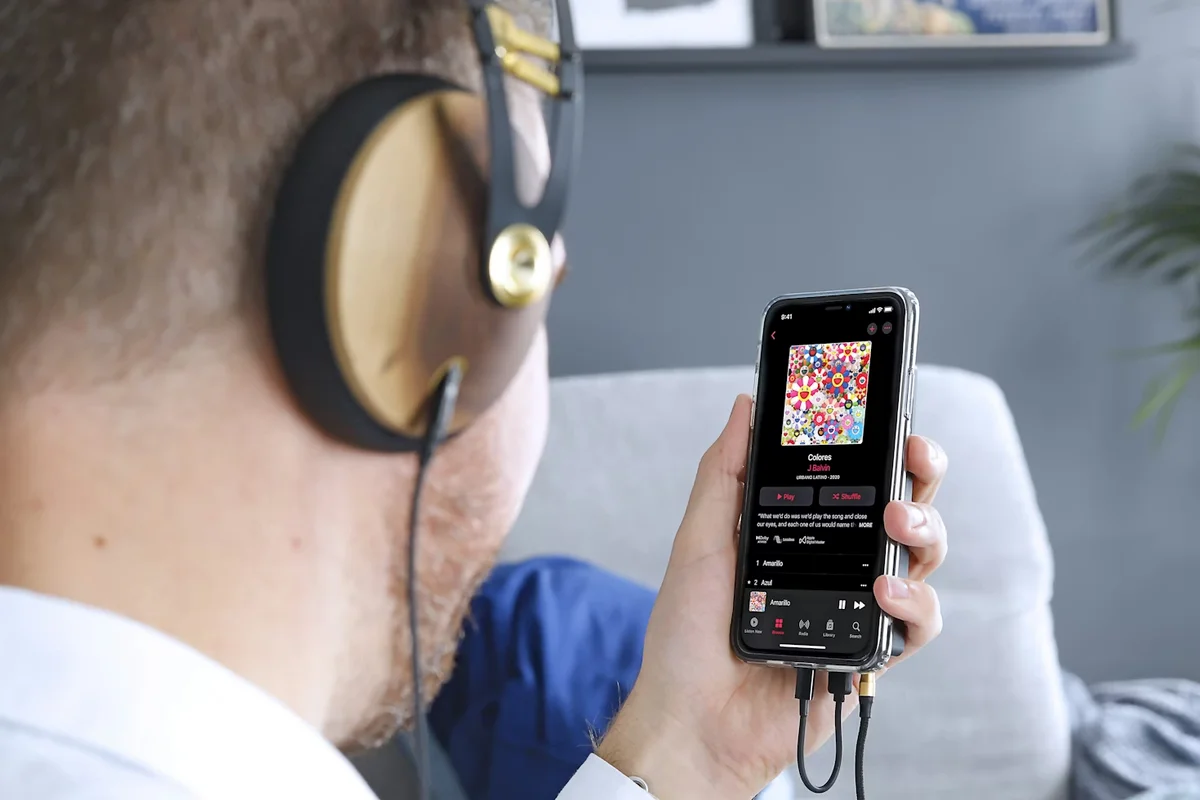
In 2021, Apple Music announced that its entire catalog would support Dolby Atmos spatial audio at no additional cost to subscribers. The announcement was covered extensively as a potential shift in how music is consumed and produced. By 2026, Apple Music has over 100 million tracks in Atmos format. Major label releases routinely deliver Atmos mixes as standard.
Spotify, which has approximately 31% of global streaming subscribers and generates the majority of most independent artists' streaming income, does not support Dolby Atmos. They have not announced a timeline for doing so.
That tension is the starting point for any honest conversation about whether an independent artist should invest in spatial audio mixing. The technology is real, the listening experience on compatible hardware is genuinely different, and the platform support is fragmented in a way that makes the ROI question genuinely complex.
What You'll Learn
- What Dolby Atmos and spatial audio actually are technically (without the marketing language)
- Which platforms support Atmos in 2026 and at what subscriber scale
- What an Atmos mix actually costs and what it requires
- Which genres benefit most and which benefit least
- A decision framework based on your actual streaming platform distribution
- What Apple Music's algorithmic treatment of Atmos tracks means for discovery
- Whether re-releasing existing catalog in Atmos makes financial sense
What Spatial Audio Actually Is
Traditional stereo operates in two channels: left and right. Everything in your mix is positioned somewhere on that horizontal plane. Spatial audio adds the dimension of height and depth.
Dolby Atmos uses an object-based audio system where individual sounds are placed at specific coordinates in three-dimensional space around the listener. Rather than a stereo left-right mix, a producer mixing in Atmos can position the kick drum directly below the listener, spread the backing vocals in an arc above head height, and place the lead vocal in a fixed front-center position that does not shift with head movement.
When played on Apple AirPods Pro or AirPods Max (or other binaural-capable headphones) with Dolby Atmos enabled, the system renders the spatial coordinates as binaural audio. Apple adds head tracking on supported AirPods models, so the soundstage remains fixed in virtual space even as your head turns.
On standard stereo speakers or headphones, Dolby Atmos automatically folds down to a binaural stereo render or straight stereo. The listener without compatible hardware does not hear silence. They hear a stereo version derived from the Atmos mix.
The implication: An Atmos mix must work as a stereo fold-down as well as a full spatial mix. A poorly executed Atmos mix that sounds impressive in 3D but breaks down in the stereo fold-down is worse than a well-executed stereo mix.
Platform Support in 2026
| Platform | Atmos Support | Subscriber Scale | Notes |
|---|---|---|---|
| Apple Music | Yes, full support | ~100M subscribers | Actively promotes spatial audio in editorial |
| Amazon Music Unlimited | Yes | ~100M subscribers | Echo device ecosystem benefits |
| Tidal HiFi Plus | Yes (Atmos + 360 Reality Audio) | ~3-4M subscribers | Audiophile-focused subscriber base |
| Deezer HiFi | Yes | ~10M subscribers | European-focused |
| Spotify | No | ~250M subscribers | No announced timeline for Atmos support |
| YouTube Music | No | Varies | No Atmos support |
The market split is stark: Apple Music and Amazon Music Unlimited together represent approximately 200 million subscribers who can hear your Atmos mix. Spotify alone represents 250 million subscribers who cannot. The relative scale of your audience across these platforms determines whether Atmos is worth pursuing.
What an Atmos Mix Actually Costs
A genuine Dolby Atmos mix is not a plugin or an automated process. It requires:
Specialized monitoring environment: Proper Atmos mixing requires either a 7.1.4 speaker setup (7 surround speakers plus 4 height speakers plus a subwoofer) calibrated to Dolby specifications, or a binaural monitoring setup using Atmos-certified headphones and calibrated software. Home studio setups without these capabilities cannot produce an accurate Atmos mix.
DAW support: Pro Tools (the industry standard), Logic Pro X (on Apple Silicon), Nuendo, and Reaper all support Dolby Atmos mixing with the appropriate configuration and plugins. Not all DAWs support Atmos natively.
Engineering time: An Atmos mix of a single track typically takes 3 to 8 hours for an experienced engineer, in addition to the time already spent on the stereo mix. It is a separate, substantive production task.
Cost range by option:
| Option | Cost Per Track | Trade-offs |
|---|---|---|
| DIY in Logic Pro X (with binaural monitoring) | $0 direct cost | Accuracy limited without proper monitoring; steep learning curve |
| Independent engineer with Atmos setup | $200 to $500 | Variable quality; shop carefully for engineers with real Atmos experience |
| Professional studio with Atmos room | $500 to $1,500+ | Best quality; cost becomes prohibitive at catalog scale |
| Automated/AI Atmos conversion services | $5 to $50 | Not genuine Atmos mixing; generates an automated spatial render |
The "automated Atmos" services worth noting: several services now offer AI-generated Atmos conversions of stereo files. These are not the same as a proper Atmos mix. They generate a spatial render from a stereo source, which produces a different (not necessarily better) listening experience than a purpose-built Atmos mix. Apple Music accepts both, but they are not equivalent products.
Distribution of Atmos Files
Your distributor must support Atmos file delivery to platforms that accept it. As of 2026:
- DistroKid: Supports Atmos delivery via their Dolby Atmos add-on
- TuneCore: Supports Atmos delivery
- CD Baby: Supports Atmos delivery
- Distrokid's format: ADM BWF file (the Dolby Atmos master format)
You deliver the Atmos master file alongside your standard stereo master. Platforms that support Atmos serve the Atmos version to compatible listeners. Platforms that do not support Atmos serve the stereo master as normal.
Genre Analysis: Who Benefits Most
The spatial audio listening experience varies significantly by genre and production style.
Classical, orchestral, and choral: The most consistent beneficiary. Atmos can recreate the acoustic geometry of a concert hall or cathedral in headphones with a realism that stereo cannot match. For classical musicians, Atmos is an increasingly standard delivery format for premium releases.
Cinematic, ambient, and film score: Wide dynamic range, layered texture, and the absence of a traditional song structure benefit from the expanded soundstage. Ambient music in Atmos can be a genuinely different and more immersive listening experience.
Jazz (live recordings specifically): Live jazz recordings with natural room ambience can leverage Atmos to place the listener more realistically in the space. Studio jazz with conventional recording approaches benefits less.
Pop with complex production: Pop music with dense production layers can benefit from Atmos when the mix is done thoughtfully. Spatial separation of elements that are competing in stereo (multiple keyboard parts, layered background vocals, complex percussion) can create more clarity. Done poorly, it can make the mix feel disjointed or incoherent.
Hip-hop and trap: Outcomes are highly variable and depend entirely on the mix engineer's intent. Some hip-hop Atmos mixes effectively use height and depth to create new sonic dimensions. Others sacrifice the intentional compression and punch of the genre's traditional aesthetic. This is not a category where Atmos delivers automatic improvement.
Punk, metal, lo-fi: Genres where the aesthetic intentionally embraces constraints, rawness, and a specific sonic character that is often the opposite of spatial immersion. Atmos treatment of these genres frequently produces results that feel wrong to listeners familiar with the genre's aesthetic. Not recommended without a specific creative reason.
The Decision Framework: Check Your Platform Split First
Before any conversation about whether Atmos is worth it for your music, check your actual streaming platform distribution.
How to check:
- Log into your distributor dashboard and look at stream counts by platform
- Check Spotify for Artists for your Spotify-specific data
- Check Apple Music for Artists for your Apple Music-specific data
- Calculate what percentage of your total streams come from each platform
Decision guide based on Apple Music percentage:
- Apple Music under 15% of streams: Atmos investment has very low ROI. The majority of your listeners are on platforms that will not benefit from an Atmos mix.
- Apple Music 15 to 30% of streams: Worth considering for your highest-performing tracks, particularly if your genre suits Atmos. Not a priority for the full catalog.
- Apple Music over 30% of streams: The conversation is meaningful. A significant portion of your audience can hear and benefit from Atmos delivery. Evaluate by genre and production style.
- Apple Music dominant (50%+): Common in certain genres (classical, ambient, some pop demographics). Atmos is worth treating as a standard delivery format for new releases.
Apple Music's Algorithmic Treatment of Atmos
Apple has stated that spatial audio tracks receive preferential treatment in some editorial and algorithmic discovery contexts within Apple Music. This is real but difficult to quantify.
What is confirmed: Apple Music's "Dolby Atmos" playlist and spatial audio-specific editorial placements are only available to Atmos tracks. If Apple Music editorial is a meaningful part of your streaming strategy (or aspires to be), having Atmos versions of your music makes you eligible for these placements.
What is uncertain: Whether the algorithmic recommendation boost from having Atmos is large enough to meaningfully affect listener growth for an independent artist without an existing Apple Music audience. The evidence is anecdotal rather than systematic.
Frequently Asked Questions
Q: Will Apple Music promote my music more if it has an Atmos mix?
A: Your music becomes eligible for spatial audio-specific editorial placements, which it is not without an Atmos version. Apple has acknowledged algorithmic preference signals for Atmos content in some discovery contexts. The practical impact for an independent artist without an existing Apple Music presence is modest. The impact for an artist with established Apple Music streams is more meaningful.
Q: Can I mix Atmos myself in Logic Pro X?
A: Logic Pro X on Apple Silicon supports Dolby Atmos mixing. However, without a proper monitoring environment (either a calibrated 7.1.4 speaker array or a certified binaural monitoring setup), you cannot accurately judge the spatial imaging of your mix. Mixes made on standard stereo headphones without Atmos calibration frequently have spatial artifacts and imaging inconsistencies that are not apparent until played on proper Atmos-capable hardware.
Q: Should I re-release my existing catalog in Atmos?
A: Only for tracks that are actively performing on Apple Music or Tidal. The financial case for re-releasing low-stream catalog in Atmos does not hold up. For tracks that have meaningful Apple Music streams and suit the Atmos format, a purpose-built Atmos mix can extend their shelf life on the platform.
Q: What is the difference between an automated Atmos conversion and a real Atmos mix?
A: An automated conversion (offered by services like Unchained Music's Spatial Audio tool) takes your stereo file and generates a spatial render using AI processing. A genuine Atmos mix involves an engineer placing each element of the production in three-dimensional space during the mixing process. The results sound different. Apple Music accepts both. The automated version is faster and cheaper; the genuine mix is more intentional and typically sounds better on proper playback hardware.
Q: Do I need to deliver Atmos even if my genre does not benefit from it?
A: No. There is no requirement to deliver an Atmos mix. Your standard stereo master is sufficient for all platforms. Atmos is an optional enhancement that makes sense in specific contexts, not a baseline requirement.
Make the Decision Based on Data, Not Trend
Spatial audio is a real technology that delivers a meaningfully different listening experience for compatible content on compatible hardware. It is not a gimmick. It is also not a universal improvement for all music on all platforms.
The decision to invest in Atmos mixing should be driven by your actual streaming platform distribution, your genre's suitability for spatial treatment, and your per-track budget relative to expected Apple Music listener benefit. Check the numbers before committing.
Use our streaming royalty calculator to model your current platform income distribution, which gives you the data foundation for this decision.
Next Steps:


