In-Depth Explanation
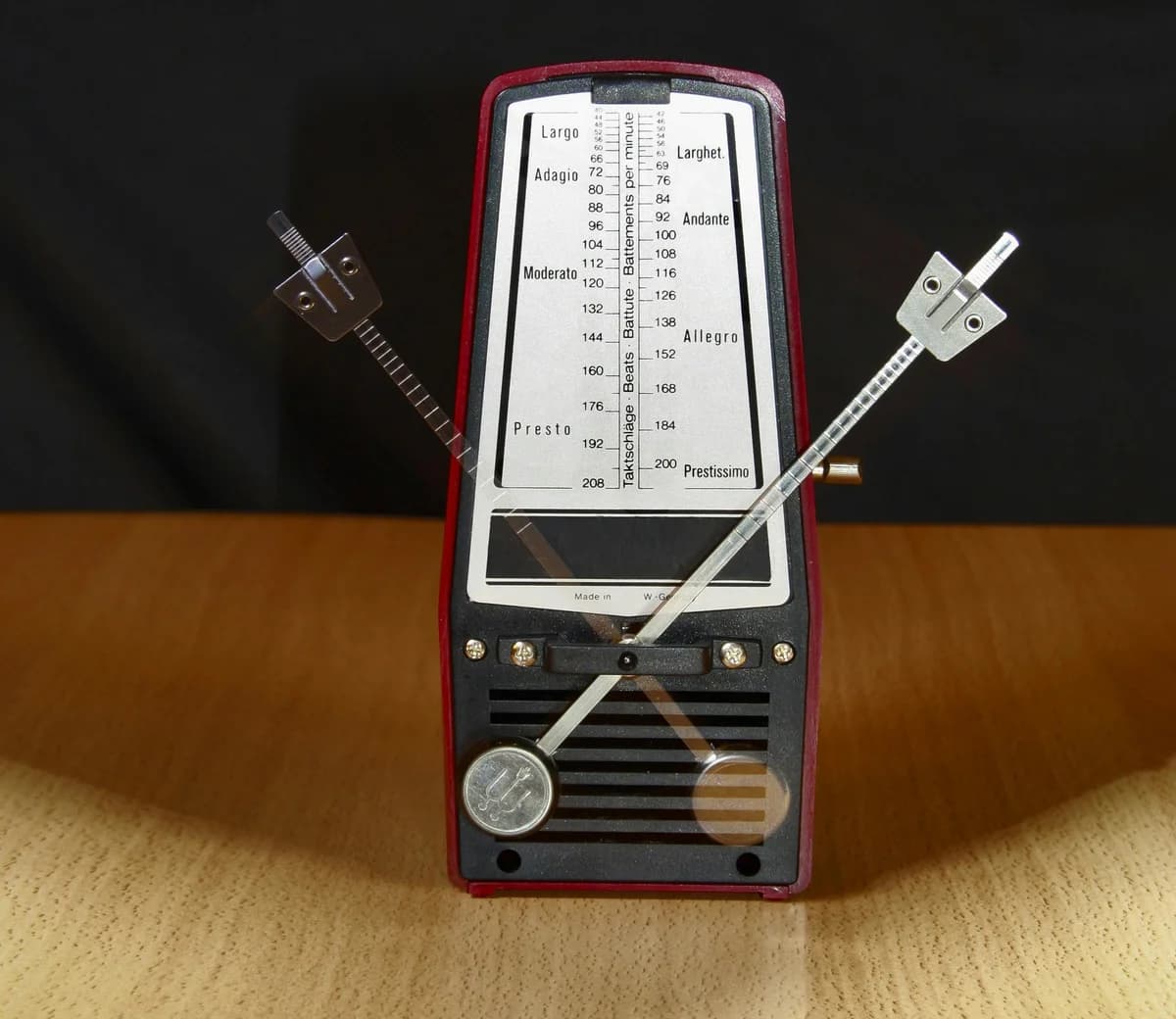
BPM (beats per minute) is the standard unit of measurement for tempo in music. It specifies how many quarter-note beats occur within a 60-second span. A song at 60 BPM has one beat per second. A song at 120 BPM has two beats per second. Higher BPM values indicate faster tempos; lower values indicate slower tempos.
How BPM Works
In modern music production, setting the BPM in your DAW is typically the first step before recording or programming any MIDI. The BPM value defines the grid that all audio, MIDI, and time-based effects lock to.
Most musical genres have evolved around specific BPM ranges that dictate the physical feel and danceability of the music:
- Dubstep, trap, halftime: 140 to 150 BPM (felt at 70 to 75 BPM)
- Techno, trance: 125 to 145 BPM
- House music: 115 to 130 BPM
- Modern pop: 100 to 130 BPM
- Hip hop, rap: 85 to 110 BPM (or 140 to 160 BPM in trap, felt at halftime)
- Reggaeton, dancehall: 90 to 100 BPM
- R&B, soul: 70 to 90 BPM
- Ballads, ambient: 60 to 80 BPM
BPM also governs time-based effects. Delay and reverb plugins sync to the project tempo. At 120 BPM, a quarter-note delay equals exactly 500 milliseconds. An eighth-note delay equals 250 milliseconds. Modern DAWs calculate these values automatically, but understanding the math helps when working with analog hardware that lacks sync functionality. Use our Delay Time Calculator to find these values instantly.
A concept producers use frequently is halftime and double time. A beat programmed at 140 BPM with the snare on beat 3 feels identical to a beat at 70 BPM with the snare on beats 2 and 4. Producers often work at double the tempo because it gives the DAW grid twice as much resolution for programming rapid hi-hat rolls and complex percussion.
Real-World Example
A producer imports a drum loop labeled Funky_Drum_Loop_105bpm.wav into a project set at 115 BPM. The loop plays back at its original tempo and sounds out of sync with the rest of the track. The producer uses the DAW's time-stretching algorithm to warp the audio from 105 BPM to 115 BPM. The loop now plays in sync, though the pitch and character may shift slightly depending on the stretching algorithm used.
A DJ faces a similar problem when transitioning between two tracks. Track A plays at 124 BPM. Track B is at 128 BPM. The DJ adjusts the pitch fader on the deck playing Track B to speed it up to 124 BPM, then beatmatches the two tracks together. Once the transition is complete, the DJ gradually adjusts both tracks to a new tempo.
For finding the BPM of an existing audio file, AI-powered tempo detection has become standard. Neural network models like beat-this (published at ISMIR 2024) achieve state-of-the-art accuracy for beat and downbeat tracking. Browser-based tools using the DeepRhythm CNN architecture can analyze audio files entirely client-side and return BPM estimates with confidence scores. Our Key and BPM Finder tool performs this analysis directly in your browser.
Why It Matters for Independent Artists
Set your BPM deliberately before you start producing. The tempo you choose shapes the emotional response of the listener. A ballad at 68 BPM creates intimacy. A dance track at 128 BPM creates energy. Read our guide on choosing the best BPM for your music for genre-specific recommendations.
If you need to find the tempo of an existing song (for a remix, a sample, or a cover), use our BPM Tap Tool. Listen to the song and tap the spacebar in time with the beat. The tool calculates the BPM from your tapping rhythm. For more precise results, upload the audio file to our Key and BPM Finder for algorithmic detection.
When working with sample packs, always check the BPM label on the file name. Time-stretching audio more than 5 to 10 BPM in either direction introduces audible artifacts. If you need a loop at a very different tempo, look for a sample pack recorded closer to your target BPM.